Embed contract workflows directly in Microsoft Teams
Summize creates an embedded interface to legal through a native chat experience in Microsoft Teams, allowing commercial users to easily self-serve on contract creation and legal requests.
What are integrations?
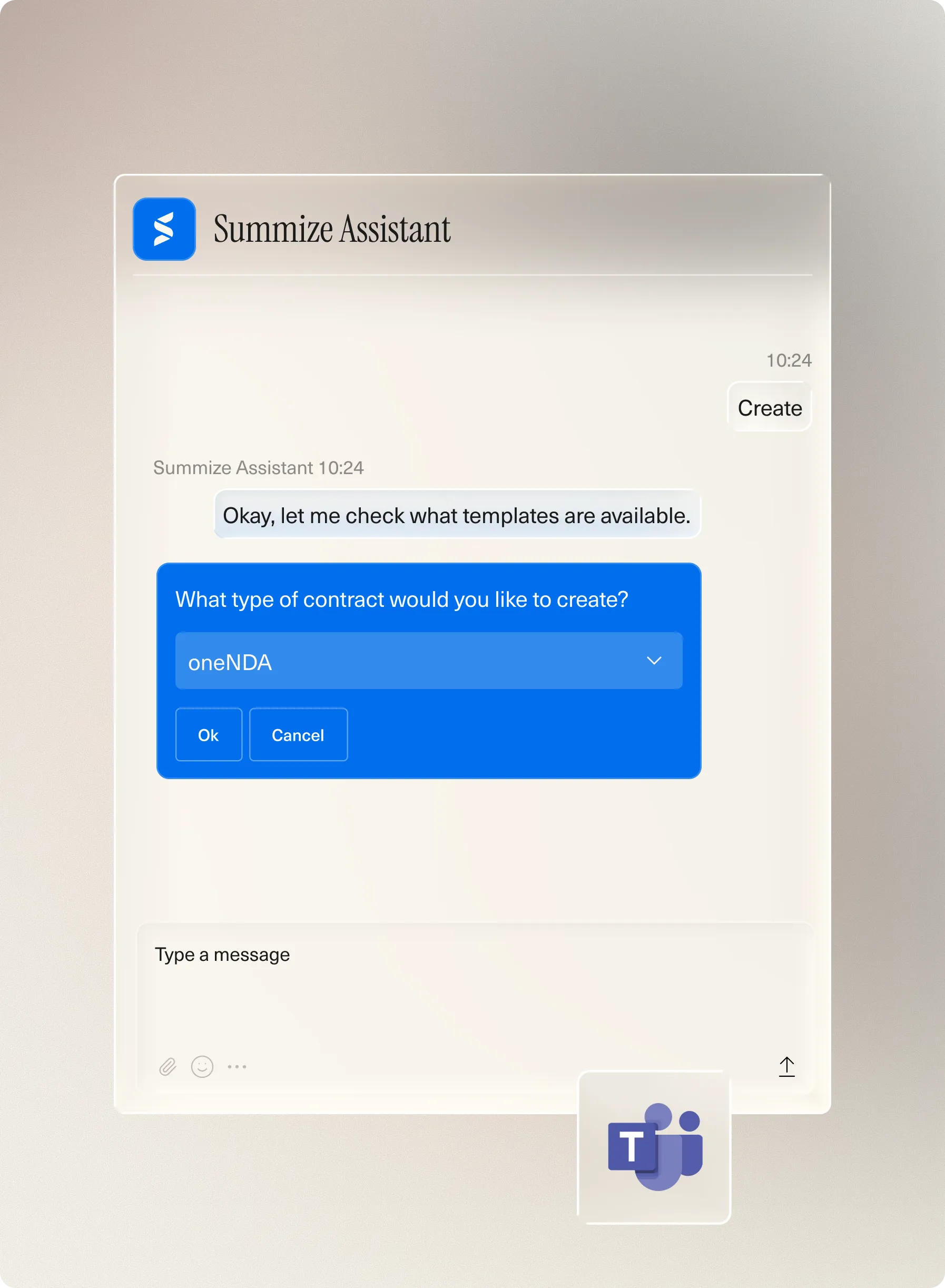
Create contracts in Teams
Commercial teams can use Microsoft Teams to create contracts through a native chat experience with Summize.
No more need for long email chains or constant back and forth. Instead, users can create contracts with a single chat prompt. With built-in workflows, users can access legal-approved contract templates and playbooks, making self-service for contract creation easy, while legal maintain compliance with little intervention.
.webp)
Submit contract requests
Contract intake is made simple with non-legal teams able to submit contract requests directly in Teams without needing to learn any new processes or platforms.
All it takes is a review prompt and the Summize assistant can guide users through a template of questions and submits a request to legal in a matter of minutes.

Ask SIA
Don't just stop contracts from being a bottleneck.
Using Ask SIA in Summize allows users to submit ad-hoc legal queries, both contract related or not. The use of pre-approved question templates allows for the intake of legal queries to be streamlined just like contract requests.
Hear from one of our customers
It's so much faster to create a contract through the Teams integration and has freed up the legal team's time to focus on more high-value work.

Neeltje Bramer
Legal Counsel
Benefit from even more integrations